ALL YOUR CALENDARS
Most people don't have a calendar problem. They have too many calendars: work, personal, clients, boards, family. Seeing them all in one place is easy. Getting them to work together, so one can't be booked over another, takes one more step.
Apple Calendar can hold your Google calendars and your other calendar accounts together. On a Mac, open System Settings → Internet Accounts → Add Account, add each account, and turn on Calendars. On iPhone it's Settings → Apps → Calendar → Calendar Accounts. Every calendar then shows in one view, each in its own colour.
If you live in Google Calendar, share each of your other Google calendars to your main account, or add outside calendars with Other calendars → + → From URL. See how to sync Google Calendars between accounts for the details and limits.
Apps like Fantastical, BusyCal and Notion Calendar also bring several accounts into one view, with extras on top. Most are paid.
Every option above changes what you see. None changes what other people see. When a colleague checks your work calendar or a client opens your booking link, they only see that one calendar. Your personal 2:00 appointment is invisible to them, so the slot looks open.
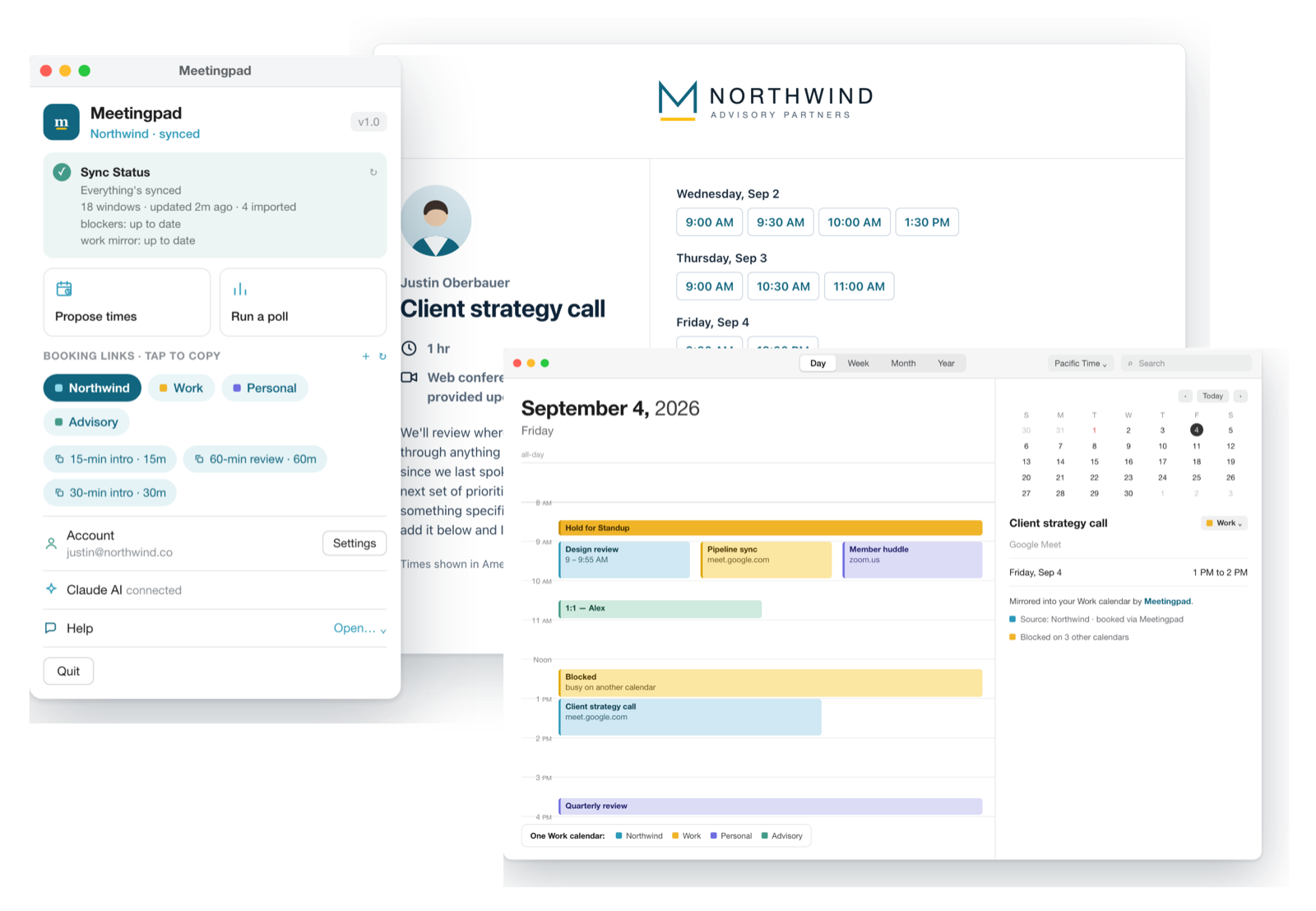
Meetingpad is a Mac menu bar app that brings availability from all your Google calendars together:
Meetingpad works with Google Calendar accounts, personal Gmail and Google Workspace. To check your availability it reads only busy times, never event titles.
Share each Google account's calendar with your main account, or add every account to Apple Calendar in System Settings > Internet Accounts. Both show all your calendars in one view.
Apple Calendar is free and shows all your calendar accounts in one view. Apps like Fantastical add more features. To also stop the calendars double booking each other, Meetingpad adds a private Blocked event across your calendars automatically.
Not truly: each event stays in the account it belongs to. You can view them together in one app, and copy busy time between them so every calendar shows your real availability.
Free plan, no credit card. macOS 14 or newer.